
A well-functioning WooCommerce store depends on more than a strong product range and appealing design. The right WordPress Plugins to level up your Ecommerce Business can simplify store management, improve the shopping experience, and help you handle tasks that would otherwise take hours. From boosting security to managing shipping, these tools can make a noticeable difference in daily operations and long-term success.
Here, we highlight the top 15 best plugins that WooCommerce store owners trust. Each of them addresses a specific need, giving you practical ways to improve efficiency, enhance customer engagement, and ensure smooth order handling.
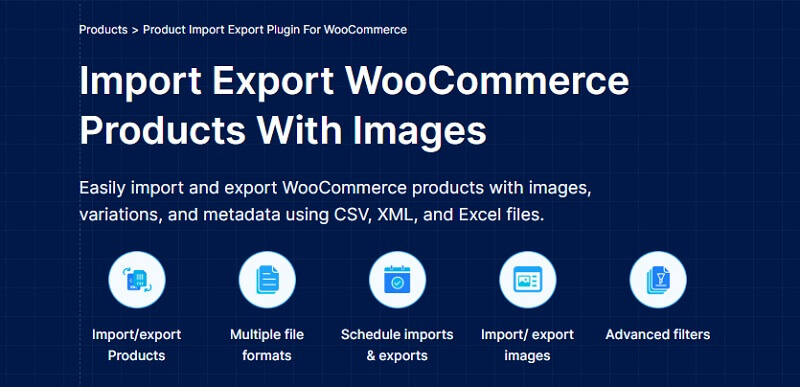
WooCommerce Export Import Products plugin is ideal for store owners who need to transfer large volumes of product data without hassle. This plugin allows you to import and export product data in and out of your store, making updates or migrations far easier.
It offers multiple file format support, making it possible to work with CSV, XML, TSV, and Excel files. The plugin includes powerful filters so you can export only the data you want, whether it’s a specific category, date range, or custom product type. Scheduling options mean you can set regular import or export tasks without manual intervention.
Additional features include multilingual compatibility, custom metadata handling, and support for product reviews. These features help keep your store data organized while minimizing errors.
For those who want advanced control over all store data, the Import Export Suite brings together product, order, coupon, and subscription exports and imports into one tool. It expands on the core plugin’s capabilities, making it a more complete solution for storewide data management.

The Accessibility Toolkit is a plugin for WordPress that helps in improving a website’s accessibility compliance by making it a no-code process, so even non-coders can get the benefits. The plugin allows site owners to manually and visually select the configurations and add-ons that best suit them and their users. The Accessibility Toolkit plugin draws all necessary clues from user preferences and website standards to change the site’s markup and behavior to comply with WCAG 2.1, ADA, and EAA.
This Accessibility plugin gives site admins and developers the power to apply accessibility-friendly settings across all WordPress themes or builders. It also has a provision for generating accessibility statements that would help the site owner demonstrate their legal and ethical commitment to accessibility. The Accessibility Toolkit doesn’t guarantee compliance by itself, but it eases the implementation of best practices, reduces barriers for persons with disabilities, and provides a strong foundation for meeting the global accessibility requirements.
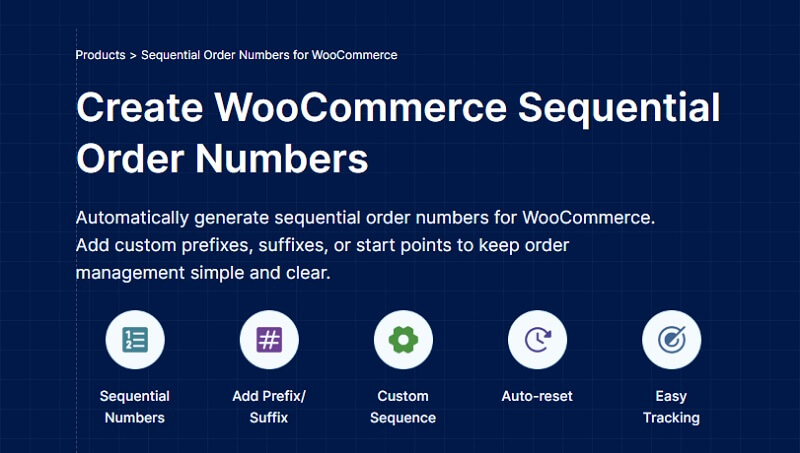
The default order IDs of WooCommerce, which are not sequential, can sometimes lead to confusion while handling the orders. However, the Sequential Order Numbers plugin brings relief to this issue by generating structured order IDs.
Custom starting numbers can be configured, prefixes or suffixes can be added, and a clean sequence of order IDs can be maintained. This way tracking orders becomes easier not only for the store owners but also for the customers. Besides, it guarantees that the order numbers remain the same on invoices and shipping documents.
The plugin works flawlessly with WooCommerce invoicing tools which makes order management simple and dependable.

Akismet Anti-Spam is a trusted solution for keeping unwanted spam content away from your WooCommerce store. It automatically checks comments and form submissions, reducing the need for manual moderation.
The plugin uses a constantly updated database to identify spam attempts. By comparing incoming submissions to known spam sources, it filters harmful or irrelevant content before it reaches your site. It also provides status history so you can review what has been caught and why.
Other features include discard settings for the most severe spam. Akismet works quietly in the background, freeing you from repetitive clean-up tasks.
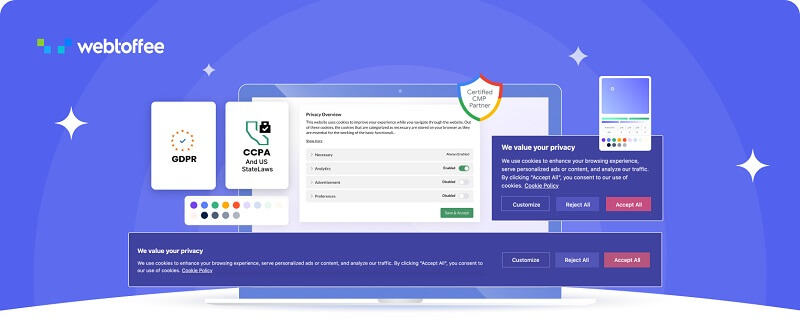
The WordPress GDPR Cookie Consent plugin helps your WooCommerce store meet cookie compliance regulations such as GDPR, CCPA, and similar data privacy laws. It lets you clearly inform visitors about cookie usage and obtain proper consent.
This GDPR plugin offers fully customizable cookie banners so you can control text, style, and placement. It supports automatic cookie scanning and categorization, helping you classify cookies into necessary, analytics, and marketing groups. Consent logs ensure that you maintain a record for audits.
Additional features include script blocking until consent is given, integration with multilingual sites, and geolocation-based banner display. These options help you meet cookie compliance requirements without disrupting user experience.
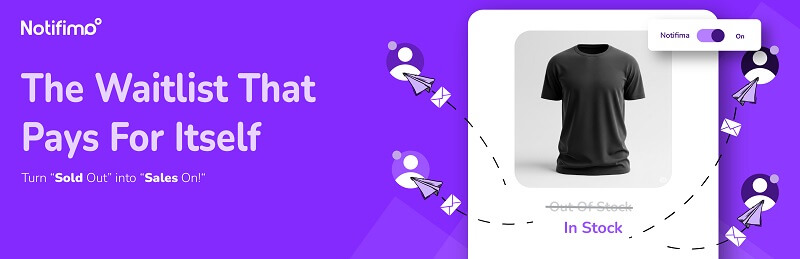
Notifima is a helpful tool for notifying customers when a product is back in stock. It improves user engagement and can help recover lost sales opportunities from out-of-stock items.
Customers can subscribe to product availability alerts with a simple email form. The plugin automatically sends notifications when the item is restocked, reducing the need for manual follow-up. Store admins can view and manage these subscriptions directly from the dashboard.
Other features include stock threshold alerts, multi-language support, and compatibility with variable products. This makes it suitable for a wide range of WooCommerce store setups.

The WooCommerce Coupon Code plugin gives store owners flexible ways to offer discounts and promotions. It supports buy-one-get-one deals, gift card coupons, store credit, bulk coupon generation, and advanced discount rules.
The coupon plugin allows you to set conditions based on products, categories, or purchase history. You can create fixed or percentage-based discounts, limit usage per customer, and schedule offers for specific time periods. It also supports importing coupon data for easy management.
Extra capabilities include customizable coupon designs, compatibility with subscriptions, and automatic coupon application at checkout. This combination of features makes it a versatile marketing tool for WooCommerce stores.
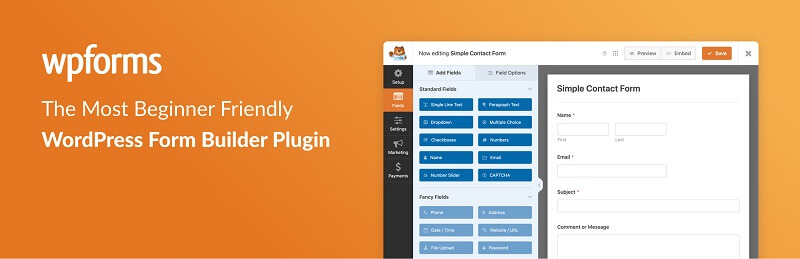
WPForms is a beginner-friendly form builder that works well for WooCommerce stores. It allows you to create contact forms, feedback forms, order forms, and other types without coding knowledge.
Its drag-and-drop editor makes building and customizing forms straightforward. The plugin supports conditional logic, enabling you to show or hide fields based on user input. It also offers pre-built form templates to help you set up common forms quickly. Email notifications and confirmation messages ensure you stay informed when a form is submitted.
Other features include spam protection, integration with payment gateways, and compatibility with popular marketing tools.
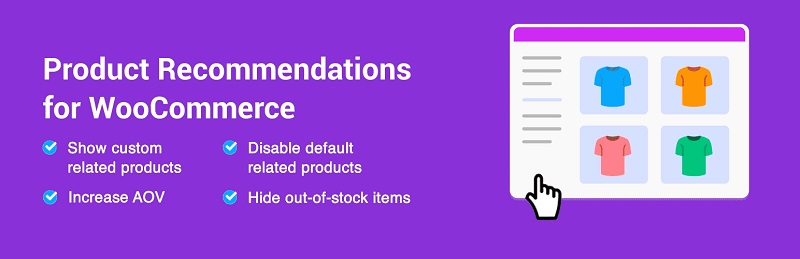
WooCommerce Product Recommendations plugin helps you increase average order value by showing relevant products to shoppers. These suggestions can appear on product pages, in the cart, or during checkout.
The plugin supports a variety of recommendation types, including related products, frequently bought together items, and personalized suggestions based on user behavior. You can set custom display rules so that certain products appear only in specific situations. Advanced filters help you target by category, tag, or product attribute.
Additional functions include hiding out-of-stock products, diverse product sorting, and multiple recommendation display settings.
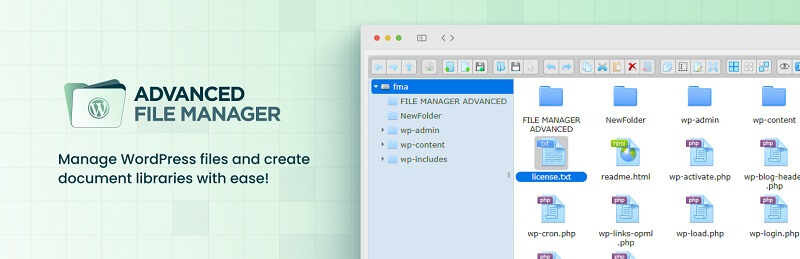
Advanced File Manager provides a file management interface inside your WordPress dashboard, removing the need for FTP access in many cases. It’s a convenient way to handle site files without leaving your admin area.
The plugin allows you to upload, delete, copy, move, and edit files directly from the dashboard. It supports drag-and-drop uploads and offers multiple view modes for browsing files.
Other features include file preview for media types, search and sort functionality, and role-based access control to limit who can manage files.
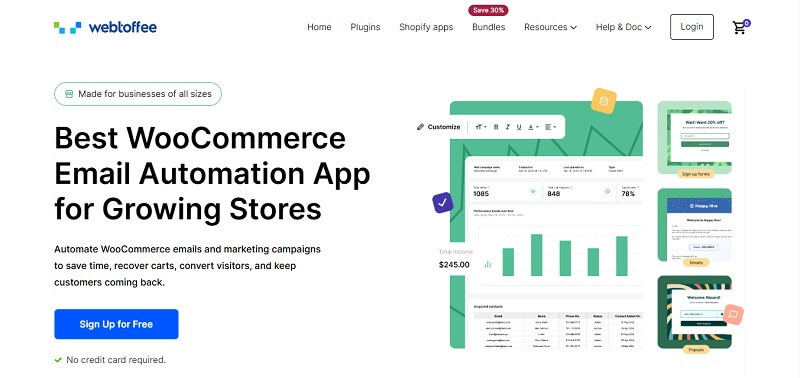
The WooCommerce Marketing Automation plugin from WebToffee streamlines many of the time-consuming parts of your marketing so you can focus on building attractive offers. Built for WooCommerce, it allows you to set up personalized email sequences, cart abandonment campaigns, and behavior-triggered popups, such as prompts when a visitor is about to leave a product page without taking action.
A key strength of this plugin is its automation workflow builder. It gives you the ability to design marketing flows that combine popups and emails for maximum effect. Be it to run signup form promotions, send welcome emails to new customers, or recover abandoned carts, the plugin provides a straightforward way to automate these processes.
The WooCommerce Marketing Automation plugin also supports win-back campaigns aimed at re-engaging inactive or lost customers. With its range of automation features, the WebToffee Marketing Automation plugin serves as a practical solution for managing and executing multiple marketing strategies within WooCommerce.

Popup Maker gives you flexible ways to create popups for promotions, announcements, or sign-up forms. It works with any theme and integrates well with WooCommerce.
The plugin lets you trigger popups based on actions like page load, time spent on site, or exit intent. You can also target popups to specific pages, products, or user roles. A visual editor makes designing popups and customizing their appearance straightforward.
Other features include cookie-based targeting, mobile responsiveness, and integration with popular form plugins. This gives you a range of options for delivering the right message to the right audience.
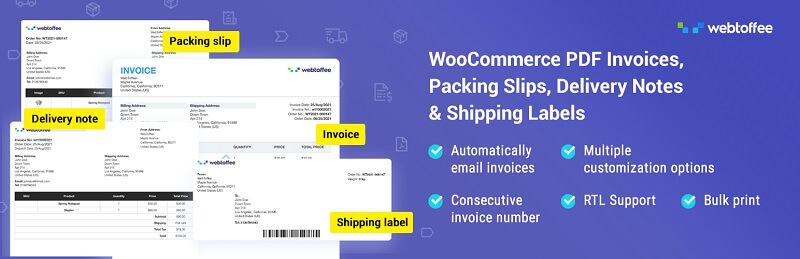
PDF Invoices & Packing Slips for WooCommerce makes it easy to generate and send professional invoices and packing slips directly from your store. This helps streamline order fulfillment and improve record-keeping.
The plugin automatically attaches invoices to customer order confirmation emails and allows you to download or print them from the order admin page. You can choose from pre-built templates or customize them to fit your store’s branding. Bulk invoice generation is also supported for processing multiple orders at once.
Other features include sequential invoice numbering, UBL/XML invoices, multilingual compatibility, and bulk export invoice PDF using filters.
For deeper design control, the Customizer for WooCommerce PDF Invoice add-on lets you adjust fonts, colors, and layout with a block-based editor.

UpdraftPlus is a reliable backup and migration tool for WordPress and WooCommerce sites. It allows you to schedule automatic backups and store them in secure locations like Dropbox, Google Drive, or Amazon S3.
The plugin supports complete site backups, including database, plugins, themes, and uploads. You can restore backups directly from the WordPress dashboard, and the migration feature lets you move your site to a new host or domain without downtime. Incremental backups are available to save only changes since the last backup.
Extra capabilities include multisite compatibility, advanced reporting, and encryption for sensitive data.
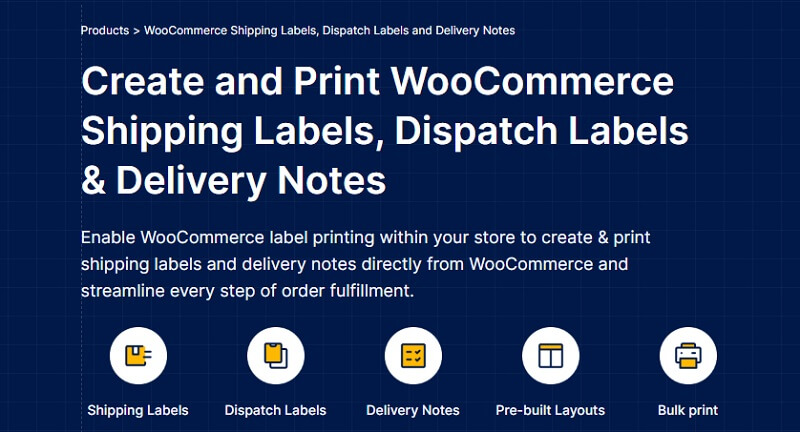
WooCommerce Shipping Labels and Delivery Notes plugin simplifies the process of preparing shipping documents for orders. It lets you print labels, dispatch labels, and delivery notes without using external tools.
You can customize the label layout to include your logo, store details, and order-specific information. By using free logo slider WordPress plugins, you can also showcase your brand more effectively across your website. The plugin offers bulk printing so you can handle multiple orders at once and supports multiple label sizes and paper formats.
Other features of this shipping labels plugin include customizable delivery notes, add a print button to WooCommerce emails, and more.
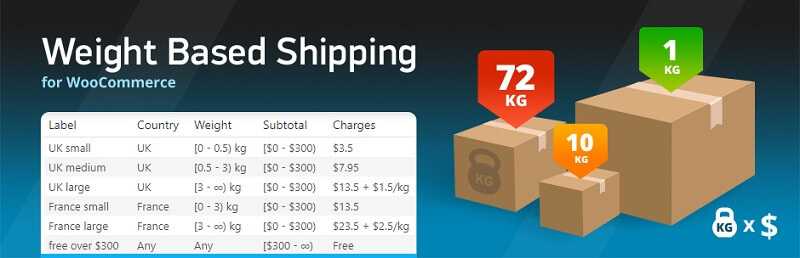
Weight-Based Shipping for WooCommerce gives you flexible control over shipping costs based on order weight. This ensures that customers pay a fair price for shipping and you cover your costs effectively.
The plugin allows you to set multiple shipping rules for different weight ranges and destinations. You can define base costs, per-unit weight rates, and conditional free shipping. Rules can also be combined with other criteria, such as order total.
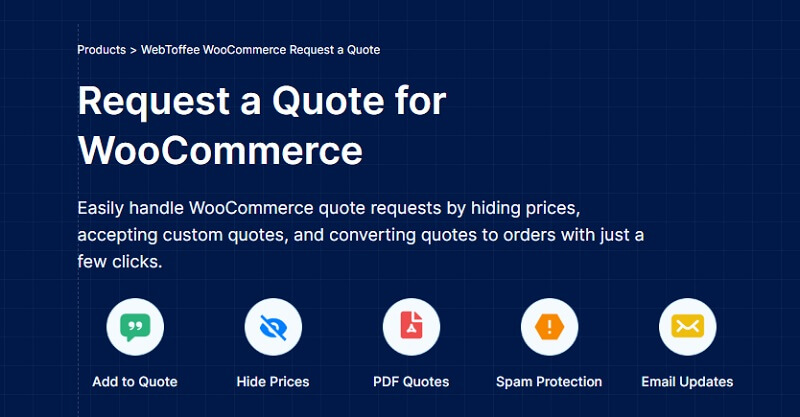
The Request a Quote plugin is an excellent tool for stores that deal in customizable or bulk products. It enables customers to request an estimate rather than going through the normal checkout procedure.
The plugin puts a “Request a Quote” button on product pages and cart pages. Customers can send quote requests, which you can view and reply to from the dashboard. This is particularly beneficial for wholesale companies, service-based products, or custom orders.

WooPayments provides a built-in way to accept payments directly on your WooCommerce store without requiring third-party gateways. It supports major credit cards, debit cards, and local payment methods.
The plugin offers a simple setup and automatic integration with the WooCommerce dashboard. You can view transactions, manage refunds, and handle disputes without leaving your store’s admin area. Payouts are sent directly to your bank account, and you can choose the frequency of deposits.
Other features include multi-currency support, Apple Pay and Google Pay compatibility, and built-in fraud protection.
A well-chosen set of plugins can dramatically improve how your WooCommerce store operates. From managing orders and payments to improving marketing efforts, each of the fifteen plugins listed here serves a clear purpose.
Some focus on store efficiency, while others enhance customer engagement or help meet legal requirements. By selecting the ones that align with your store’s priorities, you can save time, boost sales, and provide a better shopping experience for every visitor.

With our extensive collection of elements, creating and customizing layouts becomes
second nature. Forget about coding and enjoy our themes.